CPPBackup Tour
CPPBackup Tour
CPPBackup Tour Scheduler's Activity Log
Viewing the Log
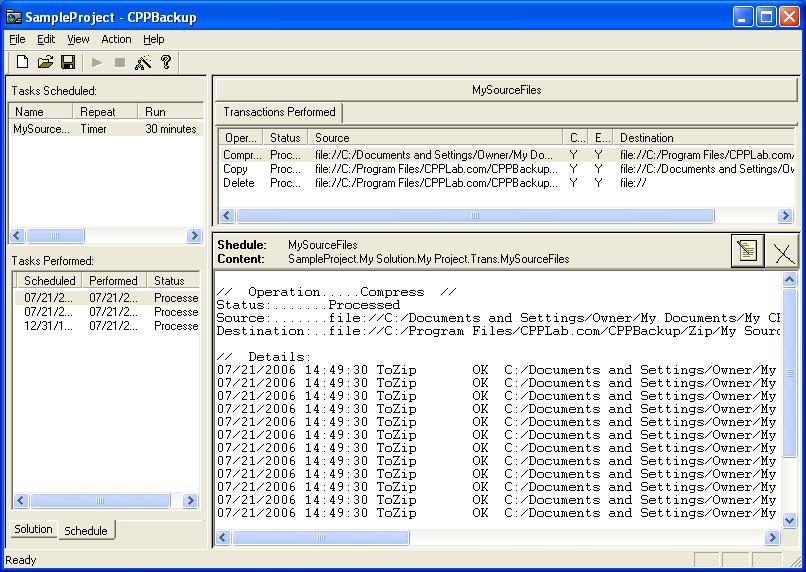
CPPBackup logs the activity of the transactions in the database. This database can be viewed by clicking the tab Schedule in the left window. The left top list shows all scheduled tasks and the left bottom window lists all performed transactions. By selecting scheduled task and performed transaction user can see processed detailes specifically what files were copied, where they were copied, and when they were copied. It also shows any errors encountered during the copying process.